If delivery orders are plateauing or website traffic is not turning into orders and reservations, your online setup may be creating friction. The restaurant industry is projected to reach $1.55 trillion in sales this year according to the National Restaurant Association's 2026 State of the Restaurant Industry report. The opportunity is real, but customers still need an easy reason and a clear path to choose your restaurant.
Here are five common problems that cost independent restaurants online orders and what to do about each one.
Good food can still lose an order when the digital experience feels harder than the restaurant next door.
1. Blurry photos and thin descriptions
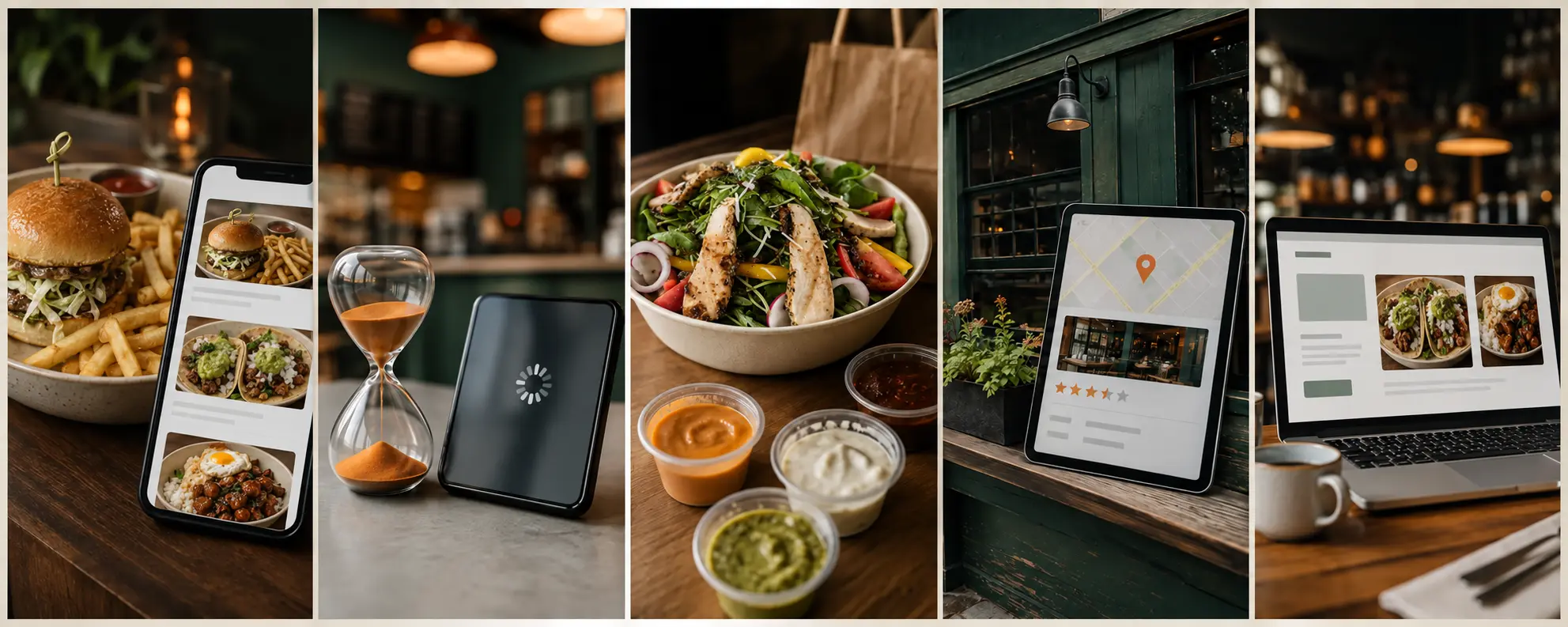
A menu item with no photo and a two-word description, such as “Chicken Sandwich, $12,” asks a hungry customer to take a leap of faith. Many will not. On a delivery app especially, customers scan quickly and choose based largely on what they can see and understand in the first few seconds.
Give every item a clear, well-lit photo and a description that explains the ingredients, preparation style, and what makes it different. “Crispy buttermilk chicken sandwich with house pickles and chipotle aioli, $12” tells a much clearer story.
2. Slow, clunky mobile ordering
Most hungry customers order from their phone. If your site takes too long to load or the ordering flow requires too many taps, customers can abandon the order before it is placed. There is usually no error message. The customer simply leaves.
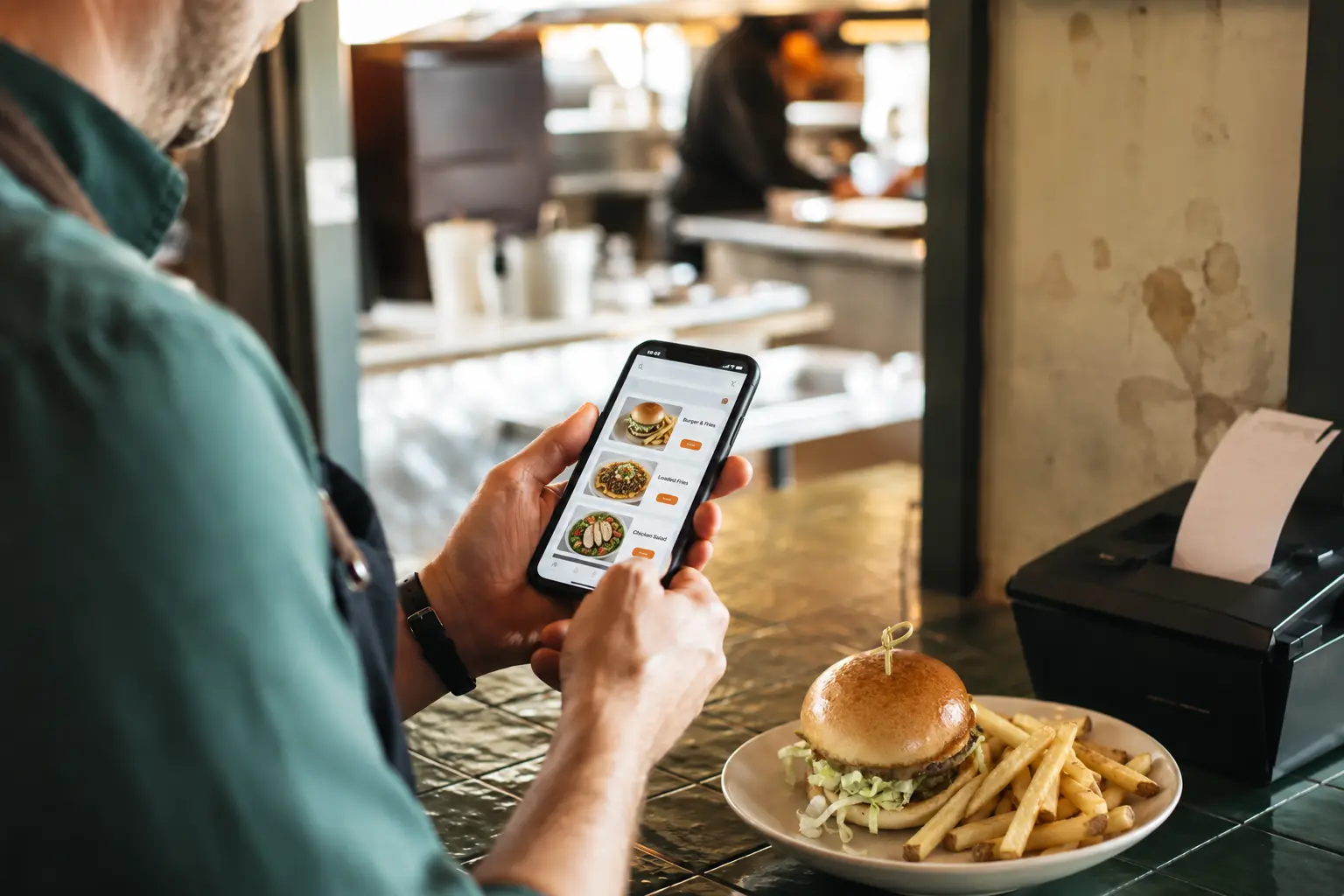
Test your ordering flow on your phone as if you were a first-time customer. Count the taps, check the load time, and confirm that the menu, modifiers, cart, and checkout are easy to understand.
3. No add-ons or upsells
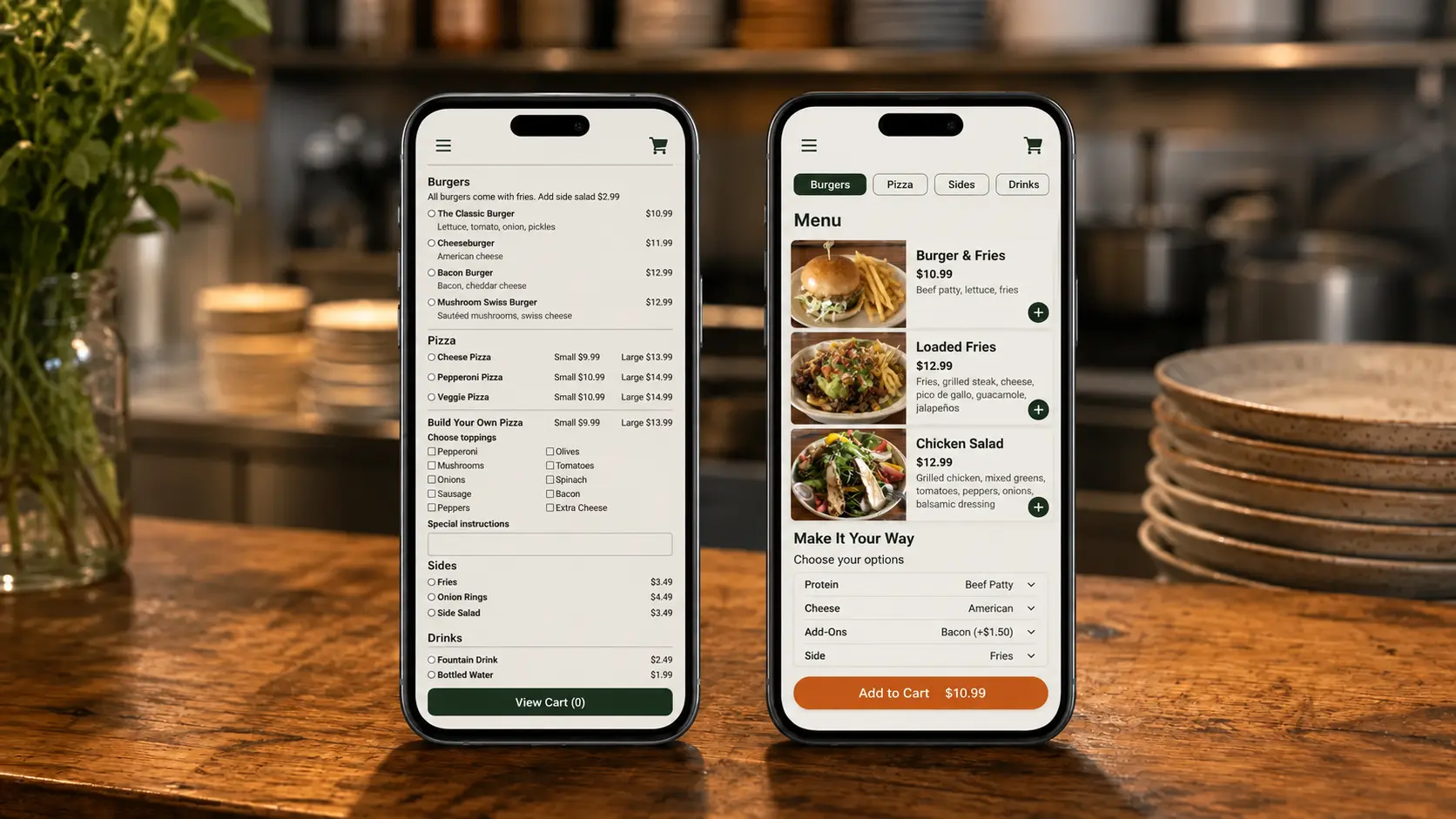
A menu that only shows the base item leaves money on the table. A simple prompt to add bacon, upgrade to a combo, or include a drink can raise average order value without adding a new item to the menu or more complexity to the kitchen.
Add only useful, relevant choices. Required selections should clarify an order. Optional upgrades should feel natural for the item, with prices shown before the customer adds anything to the cart.
4. An outdated Google Business Profile
Before a customer visits your website, they often check Google. If your hours are wrong, photos are old, or the ordering link is missing, you can lose the customer before the conversation begins. Google's Business Profile guidance explains how to manage business information, photos, links, reviews, and profile performance.
According to DoorDash's 2026 restaurant marketing guide, citing its Restaurant Industry Trends Report, 51% of consumers discover restaurants through Google Search, more than through any single delivery app.
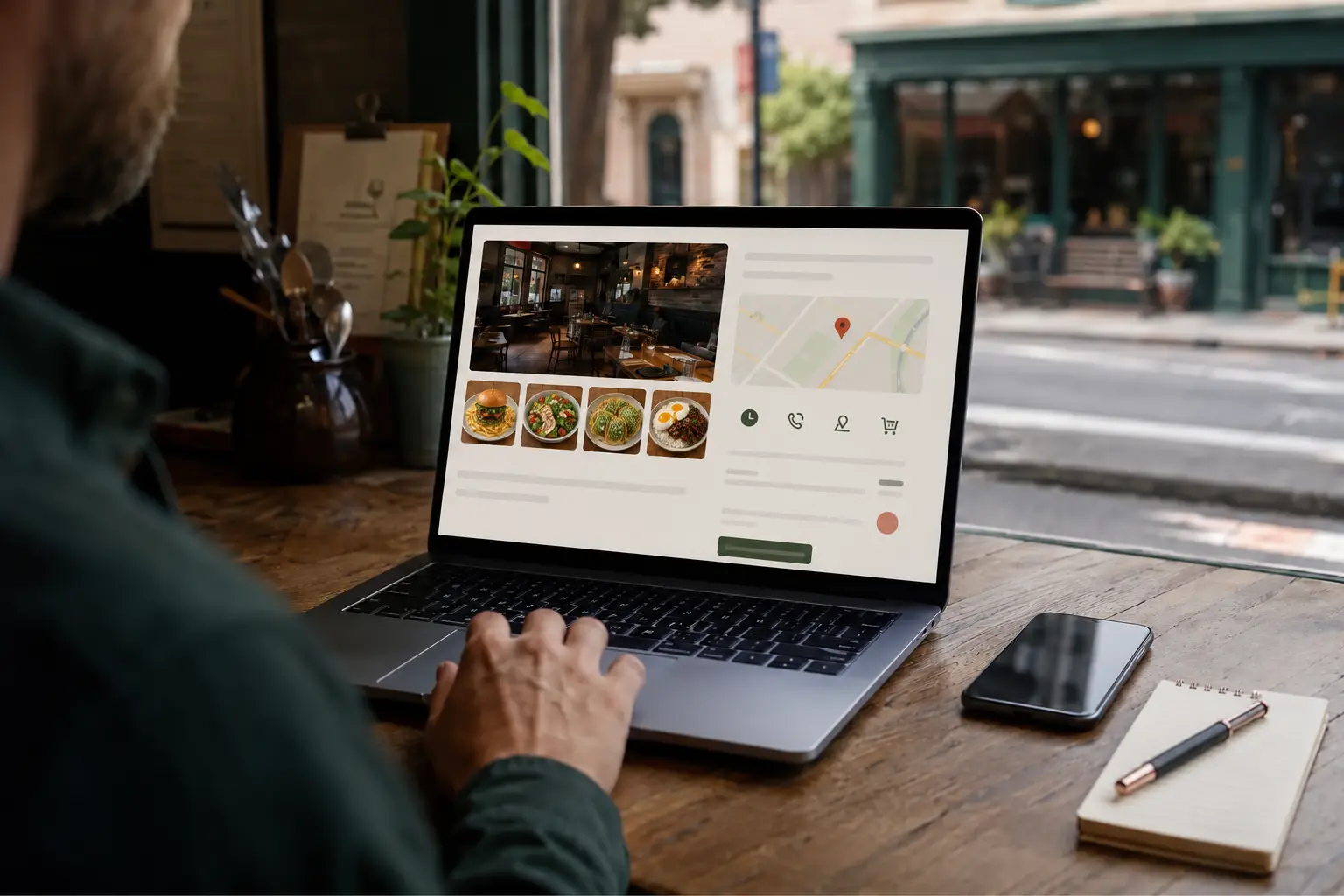
Confirm your regular and special hours, phone number, website, menu or ordering link, category, location, and recent photos. Recheck the profile whenever any of those details change.
5. A website that does not convert
Even a good-looking website fails if it does not do the basic job: show the menu clearly, make hours and location obvious, and move a customer from “interested” to “ordering” in as few steps as possible. A restaurant website should support action, not just appearance.
Put the menu, hours, address, phone number, directions, ordering, and reservations where mobile visitors can find them immediately. Remove competing calls to action that make the next step unclear.
The pattern behind all five
Remove friction between a hungry customer and an order.
These problems are not really about design taste. They are about making it easier for a customer to understand what you serve, trust the information, and complete the next action.
That is the premise behind Local Plate Digital. We audit delivery menus, websites, and local profiles, then improve the specific pieces that may be costing a restaurant orders.
Frequently asked questions
Common questions from restaurant owners
Why is my restaurant getting website visitors but no orders?
This is usually a conversion problem rather than a traffic problem. Check the mobile ordering flow first, then confirm the menu descriptions and photos help customers understand and choose the food.
How often should I update my Google Business Profile?
Check it at least monthly and immediately after any change to your hours, menu, ordering link, address, phone number, or contact information.
Do I need a big menu redesign to fix these issues?
No. Many improvements involve editing rather than redesigning: clearer descriptions, current photos, useful modifiers, and accurate Google information. A full rebuild is not always the first step.
What is the fastest way to improve restaurant online orders?
Start with your Google Business Profile and mobile ordering flow. Confirm that your hours and links are accurate, then place a test order from your phone and remove any confusing or unnecessary steps.