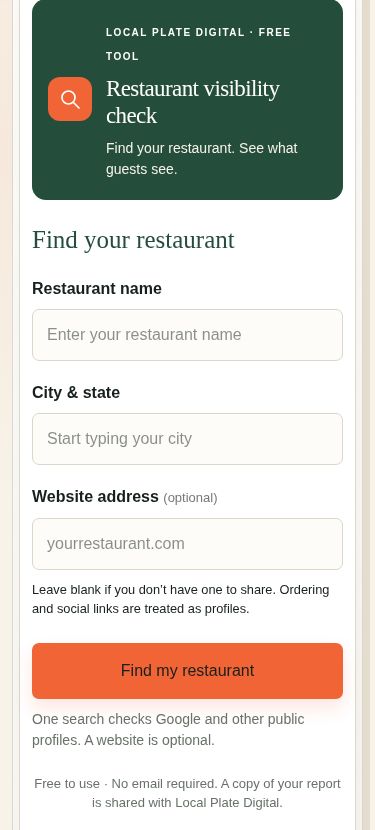
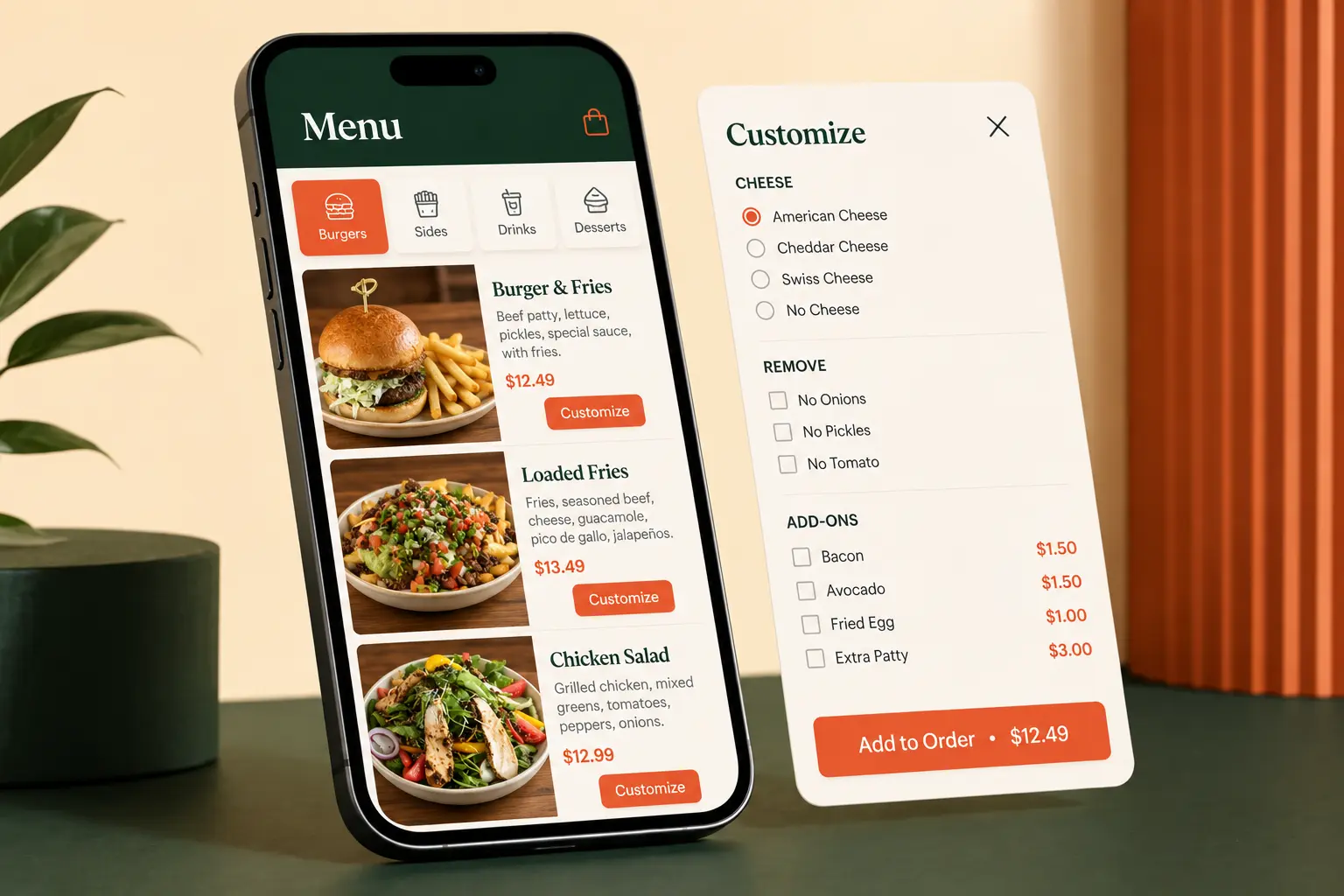
A customer may discover your restaurant on Instagram, search for it on Google, scan a few reviews, open the menu, and decide whether to order or reserve a table in only a few minutes. If the hours are inconsistent, the menu is overwhelming, the photos are dark, or the booking link is hard to find, that attention can disappear before it becomes revenue.
This guide explains seven practical ways to strengthen your restaurant's online presence and create a smoother path from discovery to decision. The goal is not simply to add more marketing. It is to remove the friction between a hungry customer and the next useful action.
Customer confidence
Put authentic customer feedback near the decision.
Restaurant reviews work best when they answer a customer's unspoken question: “Will this place be worth my time and money?” A wall of stars in a footer is easy to ignore. A short, genuine review near the menu, ordering button, reservation section, or location details can provide reassurance at the moment a visitor is deciding what to do.
Use only real, verifiable customer feedback. Preserve the original meaning, identify the review source when appropriate, and never invent a testimonial for design purposes. If your restaurant does not yet have enough reviews to feature, build a simple and consistent way to request honest feedback after a completed visit or order.

Your website can also link customers to the full review platform so they can see the broader record for themselves. That transparency is more convincing than a handpicked quote presented without context. Google's official restaurant Business Profile guidance is a useful starting point.
A clearer process
Audit before you rebuild.
A restaurant does not always need a completely new website or a large marketing campaign. Often, a few specific problems are creating most of the friction. That is why a useful improvement process starts with an audit.
Review the experience like a first-time customer. Search for the restaurant on Google. Compare the listed hours, address, phone number, menu, and ordering links with what is true today. Open the website on a phone. Try to find the menu, directions, and order button without hunting. Start a delivery order and check whether the categories, descriptions, modifiers, upgrades, and add-ons make sense.
- AuditFind broken links, outdated details, weak menu sections, missing photos, and confusing steps.
- RebuildFix the highest-impact problems first, then improve the content, structure, and visual presentation.
- GrowLaunch the improved experience, test it on real devices, and keep important information current.
This keeps the work connected to customer behavior instead of personal design preferences. A free restaurant online-presence audit can identify where customers may be getting stuck. For a deeper self-check, read five common reasons restaurants lose online orders.
Right-sized help
Choose the level of help that matches the problem.
The best package is not automatically the largest one. It is the smallest scope that fully solves the restaurant's current problem without leaving major gaps.
| Starting point | Best fit | Primary outcome |
|---|---|---|
| Delivery menu is confusing or incomplete | Delivery Menu Makeover Starting at $750 | Clearer categories, descriptions, modifiers, add-ons, and upgrades |
| Restaurant needs a menu refresh and a strong website | Restaurant Online Launch Starting at $1,995 | A mobile-first website connected to ordering, location, and essential information |
| Restaurant needs a broader digital foundation | Complete Restaurant Launch Starting at $3,000 | Website, multiple delivery platforms, profiles, review links, and launch support |
Pricing should be evaluated against the actual deliverables, ongoing care, and condition of the current setup. A restaurant with a strong website but a weak delivery menu may not need a full launch. A new restaurant with no domain, inconsistent listings, and disconnected ordering links may benefit from addressing the whole journey. Review the current restaurant digital service packages before deciding.
Stronger presentation
Make food photography clear, natural, and useful.
You do not need a professional camera to improve everyday restaurant photos. You do need enough light, a clean frame, and a clear view of the food.
Place the dish near a window and use indirect natural light when possible. Turn off the phone flash, which can flatten texture and create harsh reflections. Wipe the plate, remove clutter from the background, and photograph the dish while it is fresh. Get close enough to show crisp edges, melted cheese, sauce, steam, or other details that help a customer imagine eating it.
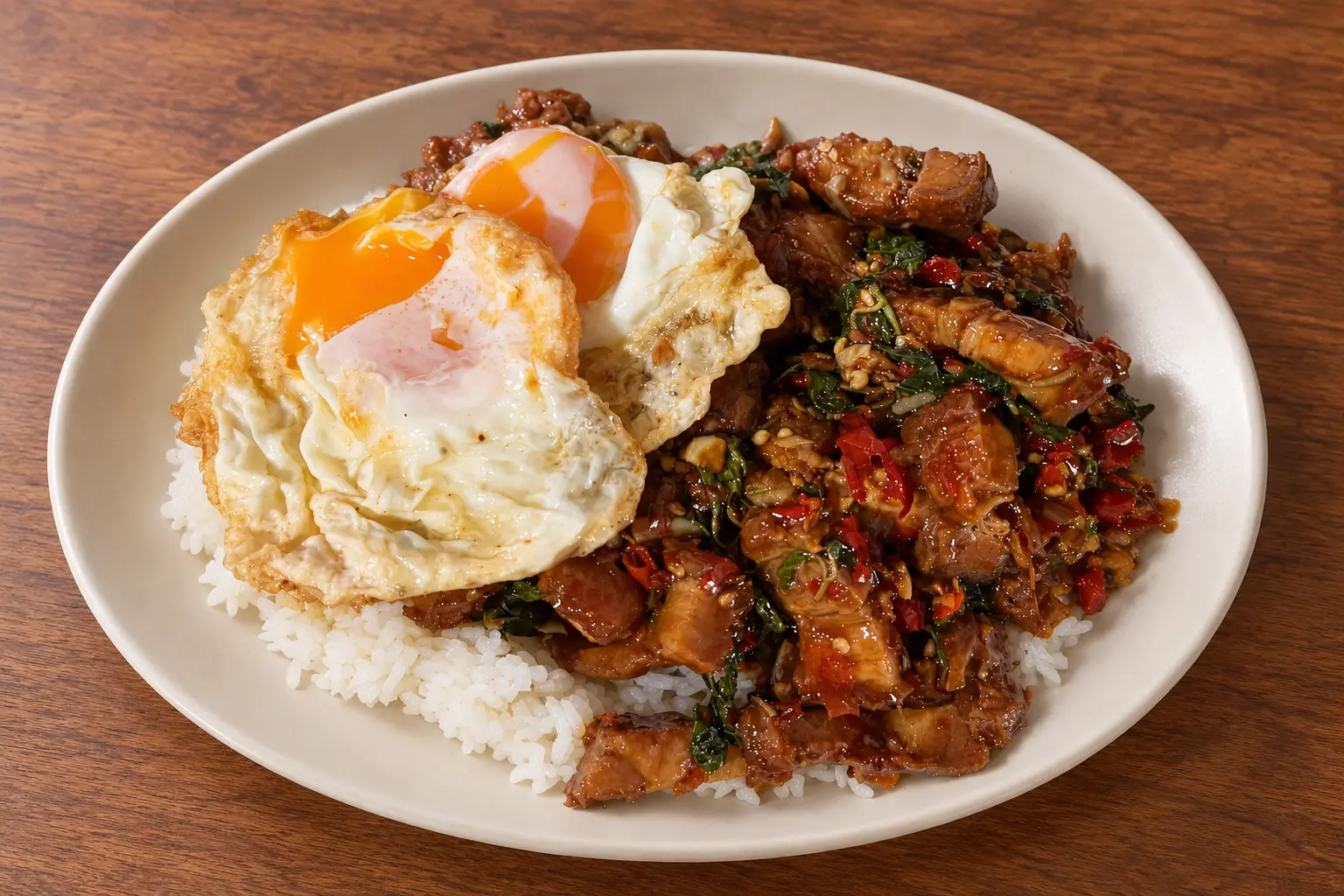
Take a consistent set of shots: one overhead image for bowls, pizzas, and shared plates; one 45-degree angle for burgers, tacos, and layered dishes; and one close detail that shows texture. Keep colors realistic. Heavy filters may make one post stand out, but they can create disappointment if the actual dish looks different.
Most importantly, match the photo to the item being sold. A beautiful generic food image can attract attention, but an accurate image helps a customer choose with confidence. Use the same strong originals across the website, delivery platforms, Google profile, and social channels when each platform permits it.
Local visibility
Keep restaurant information accurate everywhere.
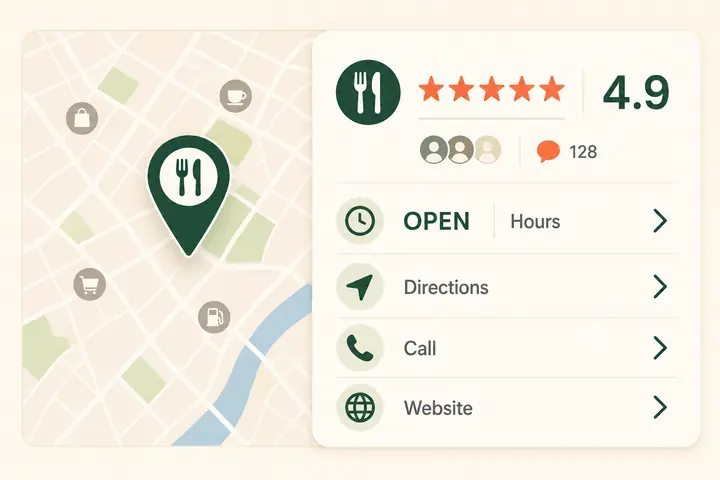
Local visibility begins with consistency. Your restaurant name, address, phone number, regular hours, holiday hours, website, menu, and ordering links should agree across Google, the website, delivery platforms, Yelp, and major social profiles.
Google's official instructions explain how owners can edit Business Profile information and special hours. Update details immediately when something changes, then check the live customer view. A saved edit in a dashboard is not enough if an old link or schedule is still visible elsewhere.
Photos also matter for discovery. Upload current images of signature dishes, the dining room or service window, the exterior, and recognizable arrival details. These help a nearby customer confirm that they found the right place and know what to expect.
Easy next steps
Let customers reserve without phone tag.
Online reservations turn after-hours browsing into a measurable action. A guest who discovers a restaurant late at night should not have to remember to call the next afternoon. A clear reservation button lets that interest become a booking while intent is still high.
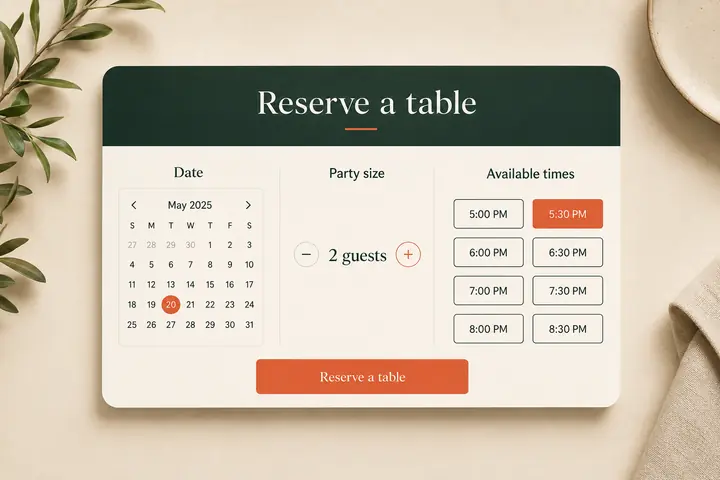
Place the reservation action in the header or first mobile screen, then repeat it near hours and location details. Before launch, test the entire process: date selection, party size, available times, confirmation, cancellation instructions, and the restaurant's internal notification or table-management workflow.
Restaurants that do not accept reservations should not add a form that implies otherwise. Use the space for the correct next step, such as joining a waitlist, calling ahead, ordering pickup, or getting directions. The strongest website is not the one with the most features. It is the one that makes the restaurant's real customer journey easier.
Frequently asked questions
Restaurant visibility and conversion questions.
What is the fastest way to improve a restaurant's online presence?
Start by correcting inaccurate hours and links, then test the mobile ordering or reservation flow. These fixes remove immediate barriers for customers who are already trying to choose the restaurant.
Does every restaurant need a new website?
No. A restaurant may only need clearer calls to action, faster mobile pages, current information, or better ordering links. Audit the existing website before deciding whether editing or rebuilding is the better investment.
How many food photos should a restaurant menu have?
Prioritize accurate, high-quality photos for signature dishes, best sellers, bundles, and items customers may not recognize by name. A smaller set of strong, consistent images is usually more useful than a photo for every item if quality varies.
How often should a restaurant check its Google Business Profile?
Check it at least monthly and immediately after any change to hours, menu, address, phone number, website, or ordering links. Review holiday and special hours before customers begin searching for them.
What should a restaurant website show first?
It should quickly communicate what the restaurant serves, where it is, whether it is open, and how to view the menu, order, call, get directions, or reserve a table.
The takeaway
Turn attention into a clear next step.
Instagram can create discovery, but the rest of the online experience has to finish the job. Authentic reviews build confidence. Accurate local information helps customers find the restaurant. Focused menus and clear photos make choosing easier. Mobile ordering and reservations convert intent into action.
If you are not sure which part is costing your restaurant orders, start with evidence. Request a free restaurant audit and Local Plate Digital will review the delivery menu, website, Google presence, Yelp information, and ordering journey for specific opportunities to improve.