Restaurant Digital Marketing Guide
Make Good Food Easier to Find
A practical guide to creating a connected restaurant digital footprint that helps customers find you, understand what you offer, and take the next step.
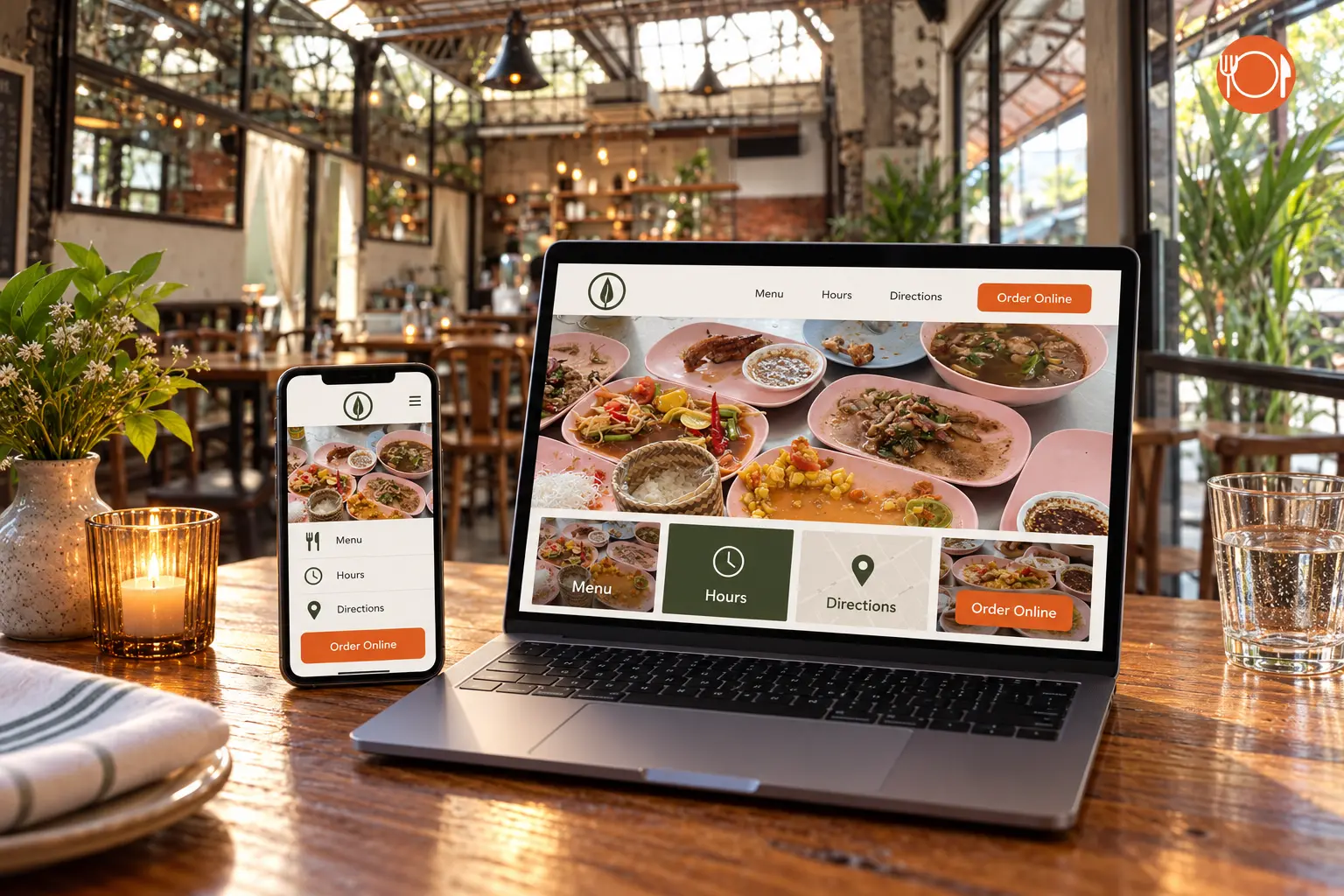
Quick answer: A strong restaurant digital footprint connects discovery, trust, and action. Customers should see accurate hours and appealing photos, understand the menu, and reach ordering, directions, reviews, or reservations without confusion. Improving those connections can often help more than simply spending more on advertising.
Hi, I’m David, founder of Local Plate Digital.
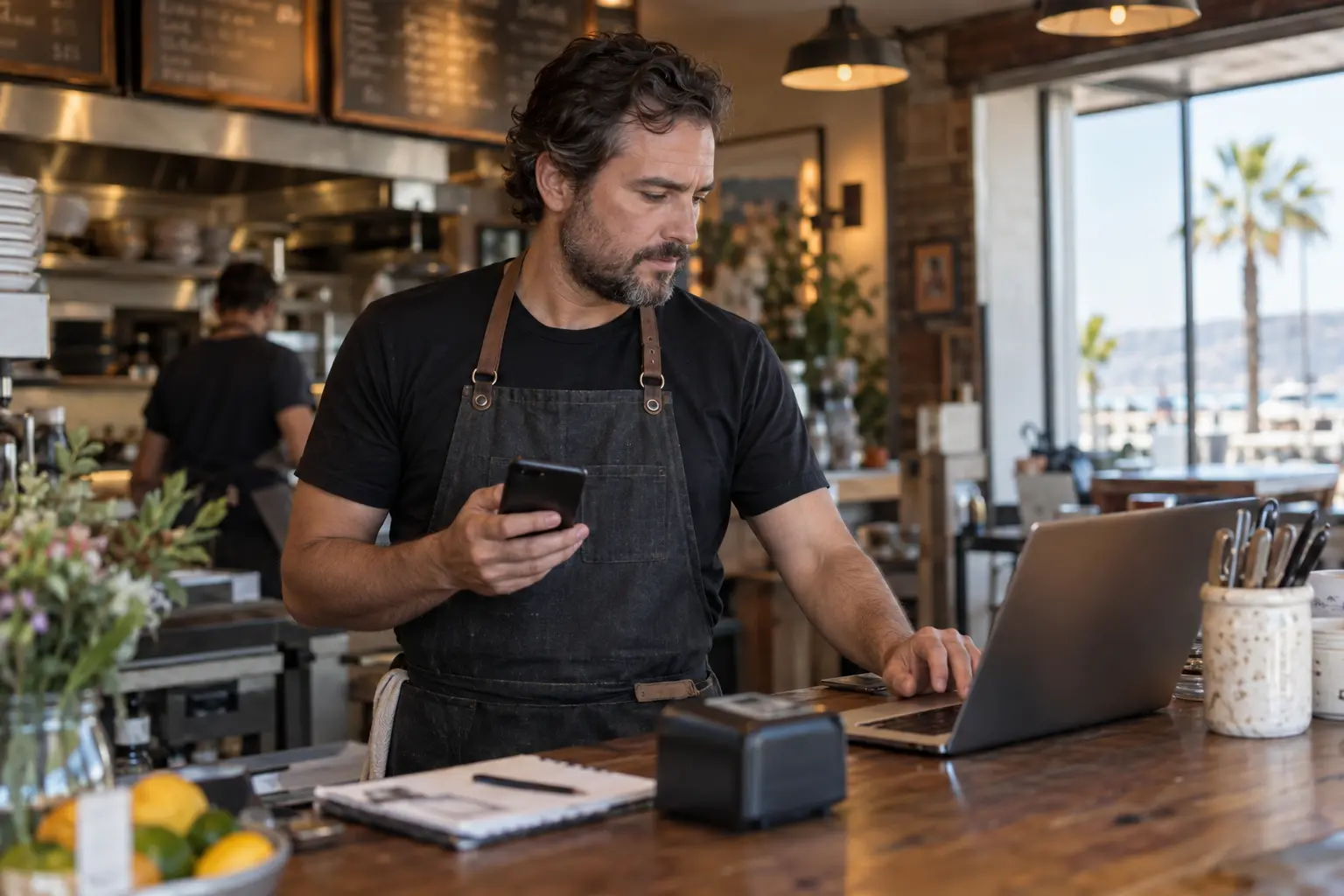
I started this business because I kept seeing the same disconnect. Independent restaurants were serving great food, but their online presence was making that food harder to find and harder to order. A delivery menu might list the dishes without useful descriptions or customization options. A website might look fine but hide the hours, address, or order button. Google might show an old schedule or send customers to the wrong link.
None of those problems say anything about the quality of the food. But to a customer searching from a phone, they can create uncertainty at exactly the wrong moment.
That is what Local Plate Digital is built to fix: not one isolated profile or page, but the complete path a customer follows from search to order.
What is a restaurant’s digital footprint?
A restaurant’s digital footprint is the collection of information and experiences customers encounter online. It includes the restaurant website, Google Business Profile, delivery-platform menus, Yelp listing, social accounts, photos, reviews, reservation links, and every button connecting those pieces.
A strong digital footprint does not require every platform to look identical. It does require the important facts to agree. A customer should not find one closing time on Instagram, a different time on Google, and an outdated schedule on the website. An “Order Online” button should not lead to an inactive page. A menu photo should not show an item that is no longer available without explaining the change.
The simplest test is to ask three questions:
- Can customers find the restaurant?
- Can they quickly understand the food, hours, location, and options?
- Can they order, reserve, call, or get directions without unnecessary friction?
If any answer is no, the restaurant may have an online attention problem even when its food and service are excellent.
Local restaurant visibility starts with the basics
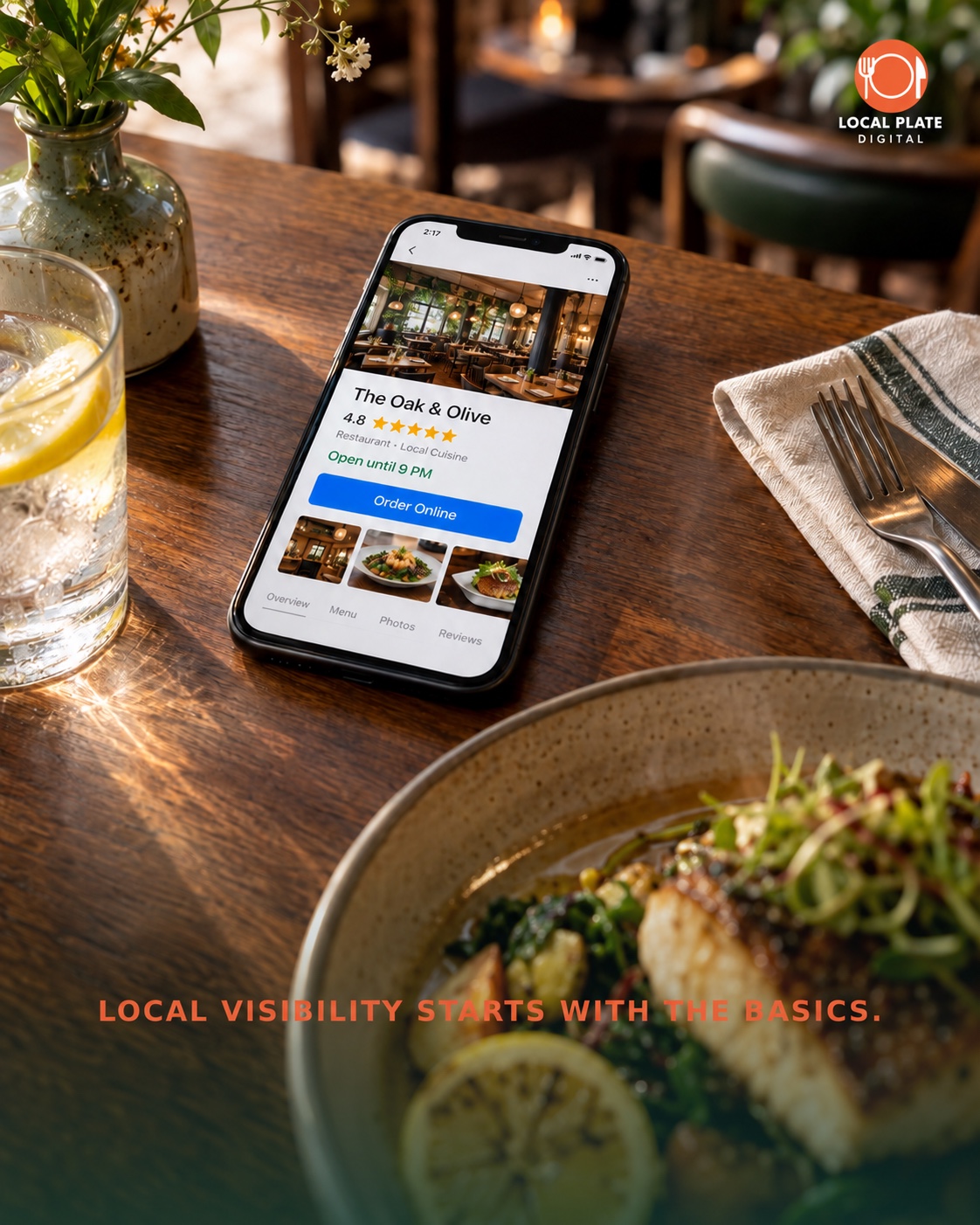
Local visibility is not the most glamorous part of restaurant marketing, but it is often one of the fastest areas to improve. Customers searching for food nearby commonly want immediate answers: Is the restaurant open? How far away is it? What does the food look like? Can I order now?
Google’s official restaurant guidance encourages businesses to provide essential information, add dish and menu photos, and connect online ordering or reservations where available. Restaurant owners can also set and update regular, special, and service-specific hours on their Business Profile.
Start with the fundamentals:
- Use the restaurant’s real, consistent name.
- Confirm the address, phone number, and map pin.
- Update regular and holiday hours.
- Add recent, accurate photos of signature dishes and the location.
- Check the website, menu, ordering, and reservation links.
- Review the profile from the customer-facing view after saving changes.
These details support local SEO, but their real value is simpler: they help a nearby customer make a confident decision.
A delivery menu should help customers build an order
A delivery menu does more than list food. It has to explain the offer, guide decisions, and capture the choices that would normally happen in a conversation with a server or cashier.
Customers cannot order an upgrade they were never offered. If bacon, extra cheese, premium sides, sauces, larger sizes, drinks, or bundles are valid options, the menu should present them clearly and at the correct point in the order. The same principle applies to required selections such as protein, preparation, spice level, or side choice.
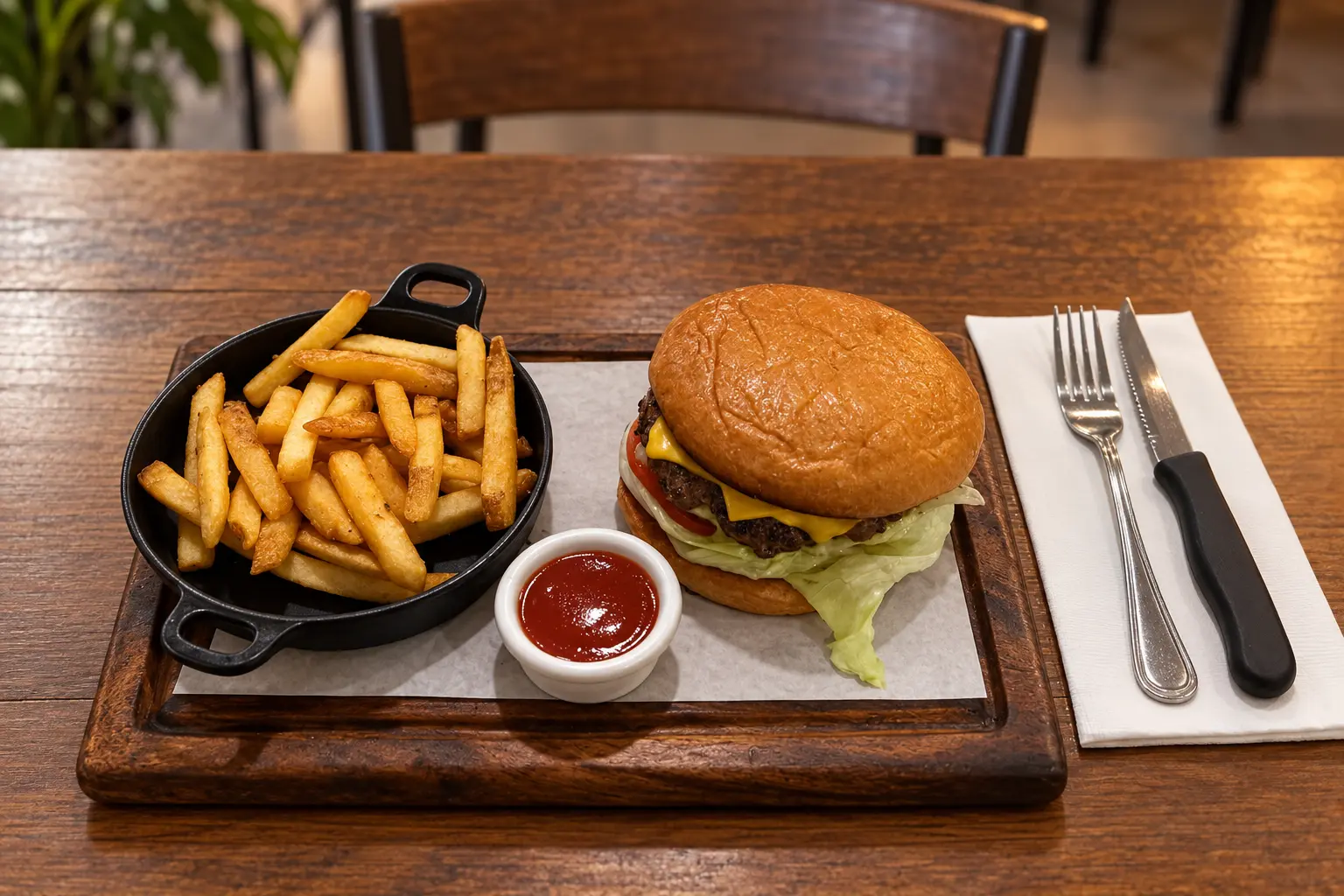
Optimization is not about filling every item with extra charges. Too many choices can create a different kind of friction. The goal is to include the options customers reasonably expect, make required choices obvious, and keep optional upgrades relevant to the dish.
A practical delivery-menu review should check:
- Whether categories are clear and easy to scan.
- Whether item names and descriptions explain what customers receive.
- Whether photos accurately represent the specific dishes.
- Whether required selections are marked correctly.
- Whether modifiers prevent common ordering mistakes.
- Whether useful add-ons and upgrades are present without becoming distracting.
For a more detailed breakdown, read why restaurants lose online orders and the follow-up guide on turning restaurant searches into more orders.
The behind-the-scenes work customers should not notice
Much of a better ordering experience comes from work customers may never consciously notice. Rewriting categories, clarifying descriptions, grouping modifiers, checking prices, connecting links, and testing the mobile flow are not flashy tasks. When they are done well, the experience simply feels easier.
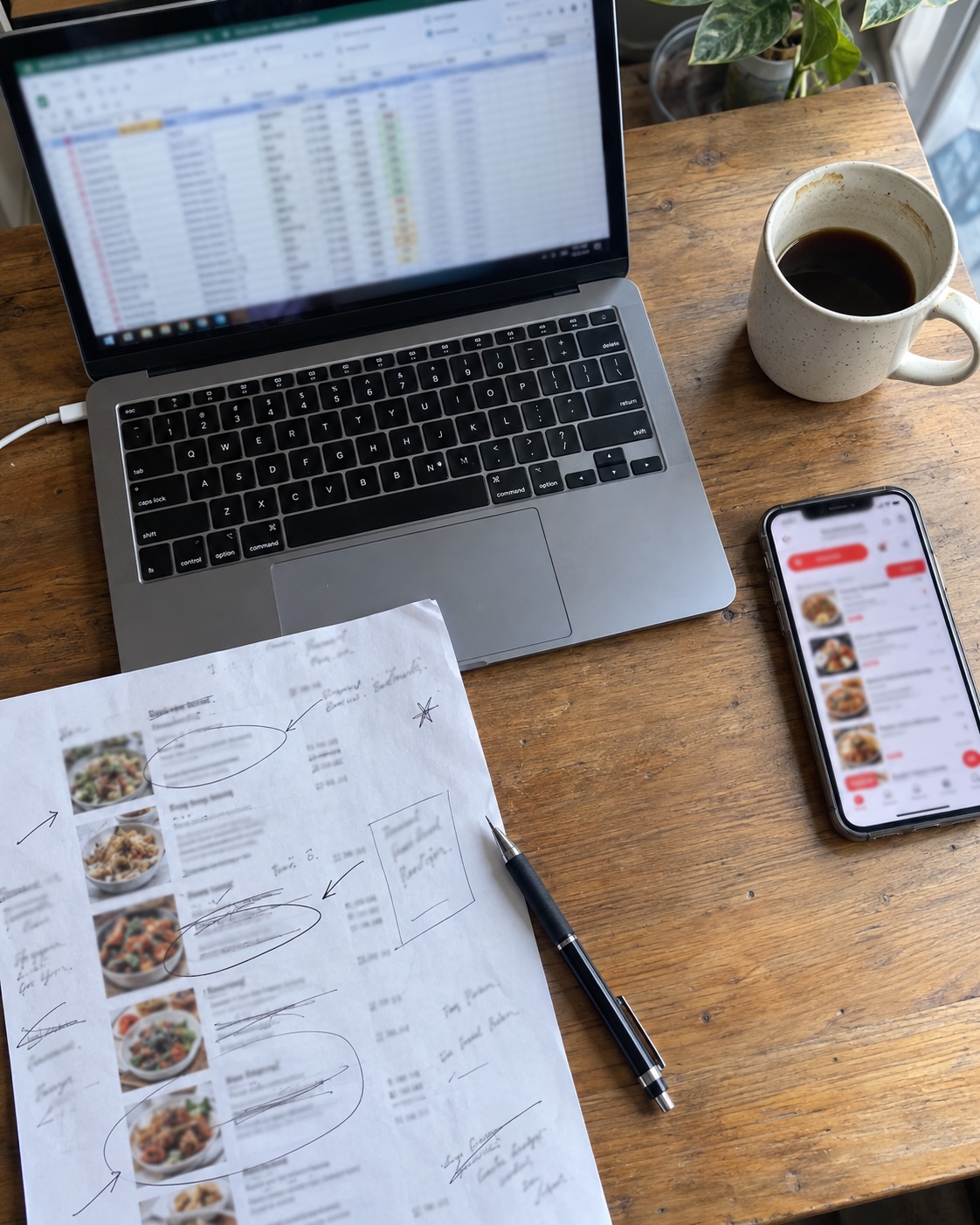
That is why I prefer to start with an audit instead of assuming every restaurant needs the same package. One restaurant may already have a strong website and only need its delivery menu reorganized. Another may have great social content but no reliable website connecting hours, directions, reviews, and ordering. The work should match the actual gap.
The Local Plate Digital process keeps those steps clear, from the first review through launch and ongoing maintenance.
What makes a customer choose one restaurant online?
There is no single answer for every customer, but four factors consistently shape the experience: photos, speed, trust, and ease of use.
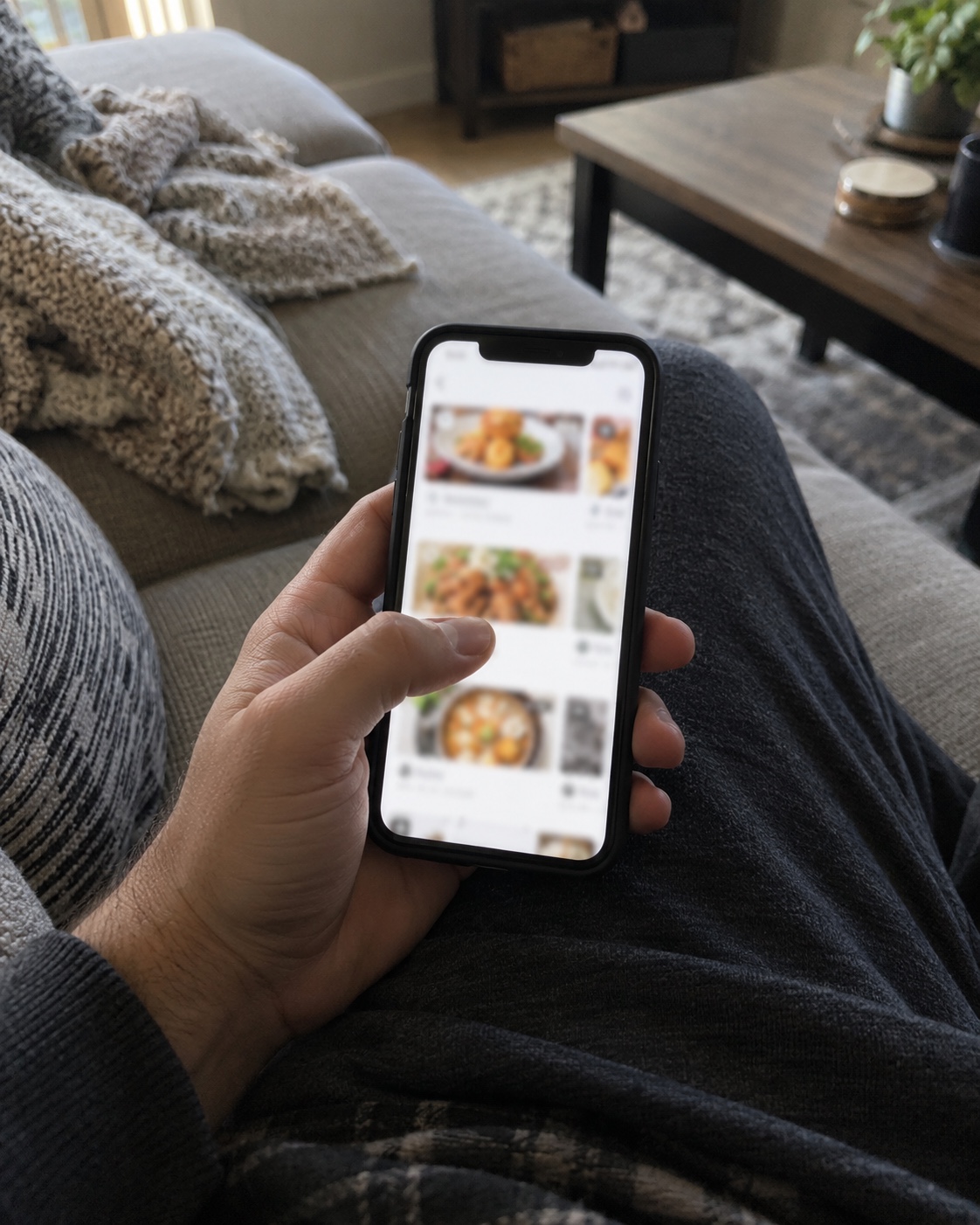
Photos answer “Does this look good?”
Realistic, well-lit photos help customers understand portion, preparation, and presentation. Images should support the decision rather than promise something the kitchen does not serve.
Speed answers “Is this worth waiting for?”
A slow or unstable mobile page can lose attention before a customer sees the menu. Large images should be optimized, unnecessary scripts should be limited, and important information should not depend on a heavy widget loading correctly.
Reviews answer “Can I trust this place?”
Authentic reviews provide context about the food and experience. A restaurant website can make reviews easier to find without inventing testimonials or hiding the original source.
An easy menu answers “Can I get what I want?”
Customers should be able to understand the dish, make valid selections, see the price, and complete the next step. A polished design cannot compensate for a confusing ordering path.
A mobile-first restaurant website brings those answers together with prominent menu, ordering, phone, directions, and reservation actions.
The best restaurant marketing makes the truth easier to find
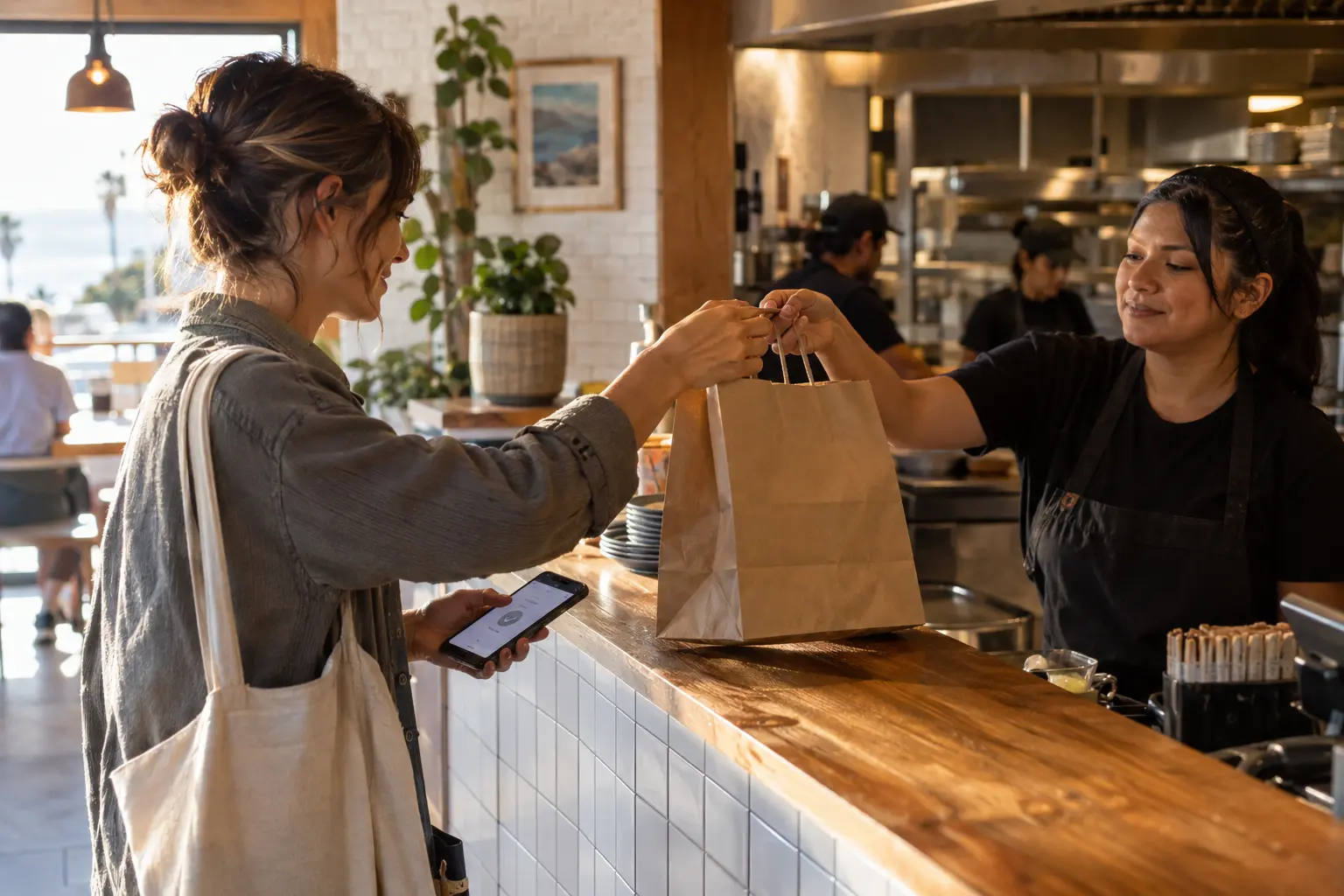
Weekend thought: the best restaurant marketing is not always a bigger advertising budget. It is making the truth about your food easier to find.
If the restaurant already has loyal customers, strong dishes, and a clear identity, the online presence should communicate those strengths without adding friction or generic marketing language. Good digital work should not make an independent restaurant sound like every other restaurant. It should help the right customers understand what is already special.
That means accurate information instead of exaggerated claims, real food photos instead of unrelated stock images, useful descriptions instead of filler, and calls to action that lead somewhere helpful. Promotion works better when the destination is ready for the attention.
Local discovery should also strengthen the community
Local restaurant visibility is not only about competing for rankings. It is also about helping people discover the independent places that give a community its character.
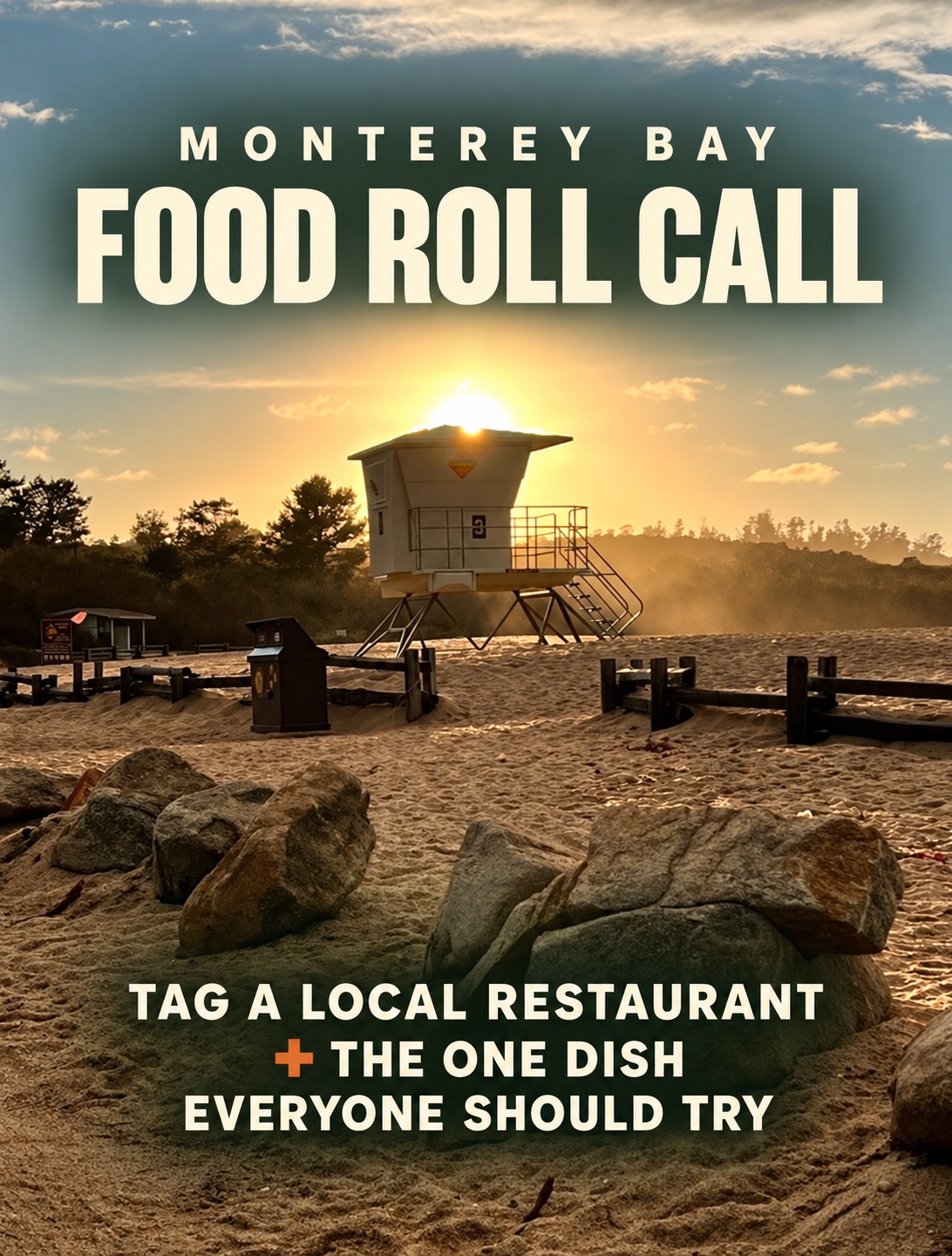
In Monterey Bay, a recommendation can introduce someone to a family restaurant, food truck, neighborhood counter, or longtime local favorite they have passed without trying. Social posts that invite real recommendations can become useful community guides when the conversation stays specific: name the restaurant and name the dish.
That kind of engagement also offers owners valuable information. The dishes customers mention repeatedly may deserve stronger photos, a more prominent menu position, or placement in the restaurant’s website highlights.
A quick restaurant digital-footprint checklist
| Customer question | What to check | Best next action |
|---|---|---|
| Are you open? | Google, website, social profiles, holiday hours | Correct inconsistencies immediately |
| What do you serve? | Menu categories, descriptions, pricing, current photos | Clarify the highest-traffic sections first |
| Can I customize it? | Required modifiers, removals, add-ons, upgrades | Test several real orders from a phone |
| Where are you? | Address, map pin, directions link, exterior photo | Check the live customer view |
| Can I trust you? | Real reviews, recent photos, consistent branding | Connect trustworthy sources clearly |
| What do I do next? | Order, call, reserve, directions, catering buttons | Make the primary action obvious |
Frequently asked questions
What is the fastest way to improve a restaurant’s local visibility?
Correct the restaurant’s hours, contact information, website, menu, and ordering links across Google and the website. Then add current food and location photos. These changes help customers who are already searching make a decision with fewer unknowns.
Does a restaurant need a bigger advertising budget to get more online orders?
Not always. Advertising can create more visits, but it cannot fix inaccurate information or a confusing ordering experience. Improving the destination first helps the restaurant make better use of the attention it already receives.
What should every delivery-menu item include?
Each item should have a clear name, accurate price, useful description, and the choices required to place a correct order. Strong photos and relevant add-ons can help, but they should accurately match the dish.
What should appear first on a restaurant website?
The first screen should quickly communicate what the restaurant serves, where it is, and what the customer should do next. Menu, ordering, directions, hours, and calling should not be buried.
How often should restaurant information be checked?
Check the major customer-facing pages at least monthly and immediately after any change to hours, menu, pricing, phone number, address, ordering provider, or reservation system.
Want a second opinion?
Local Plate Digital works directly with independent restaurants to improve delivery menus, mobile websites, Google information, and the full customer path from search to order.
Request a free restaurant digital-footprint audit. No generic sales report, just a focused look at what may be making your restaurant harder to find or order from.